A little guy for
every AI agent.
Your Claude Code, Codex, Gemini, OpenClaw and Hermes agents, living in your Mac menu bar. See who's working, who has news and who needs you. Chat, approve and schedule them from one window.
One look tells you everything.
The guy in your menu bar acts out what your agents are doing. No dashboards, no tab-hunting.
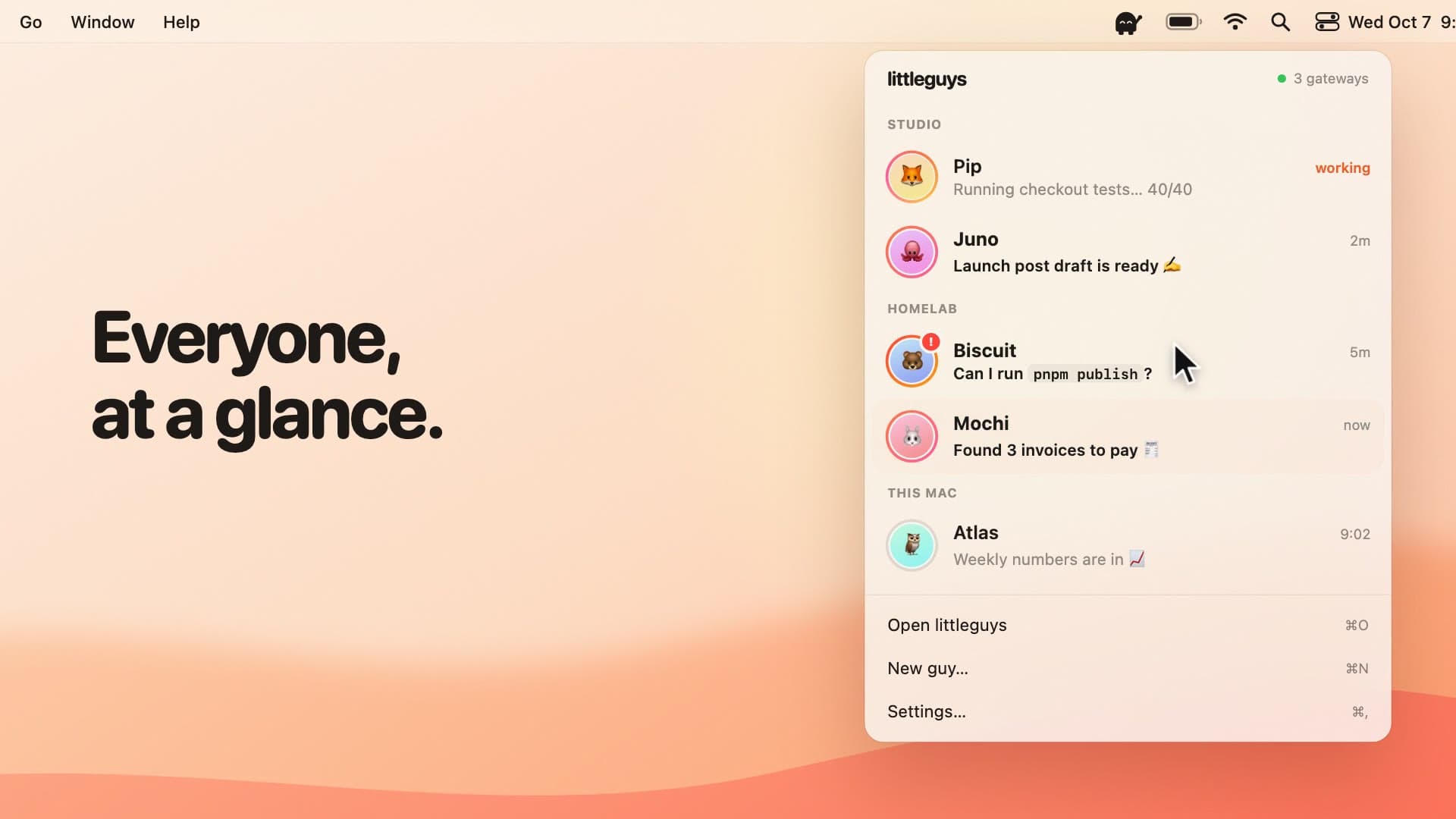
Everyone, at a glance.
Click the guy for every agent on every machine, with a live status ring, the last message and a quick reply.
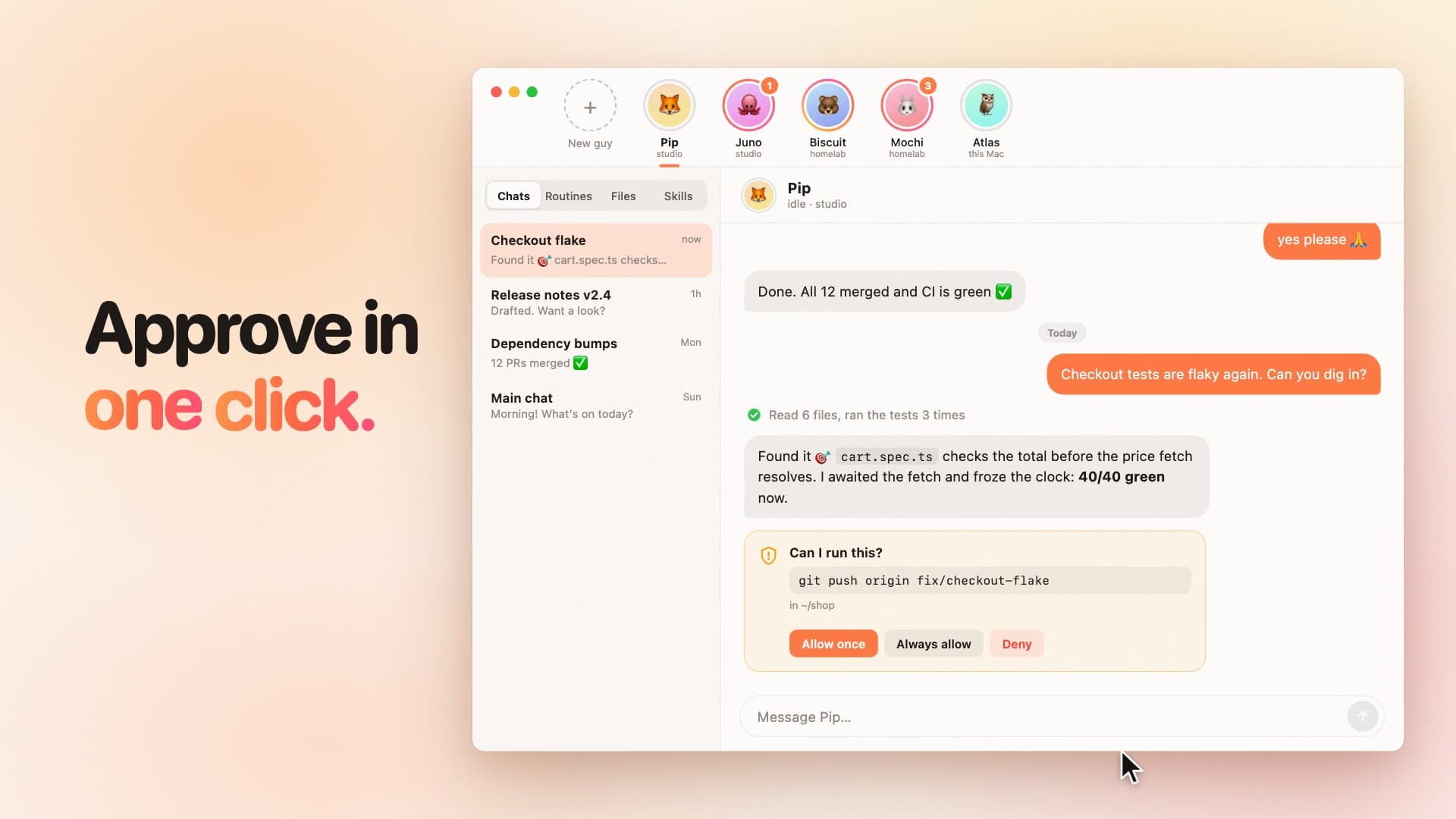
Approve in one click.
Commands that need you show up as cards: allow once, always allow or deny. No more “[y/N]” buried in terminal tab #9.
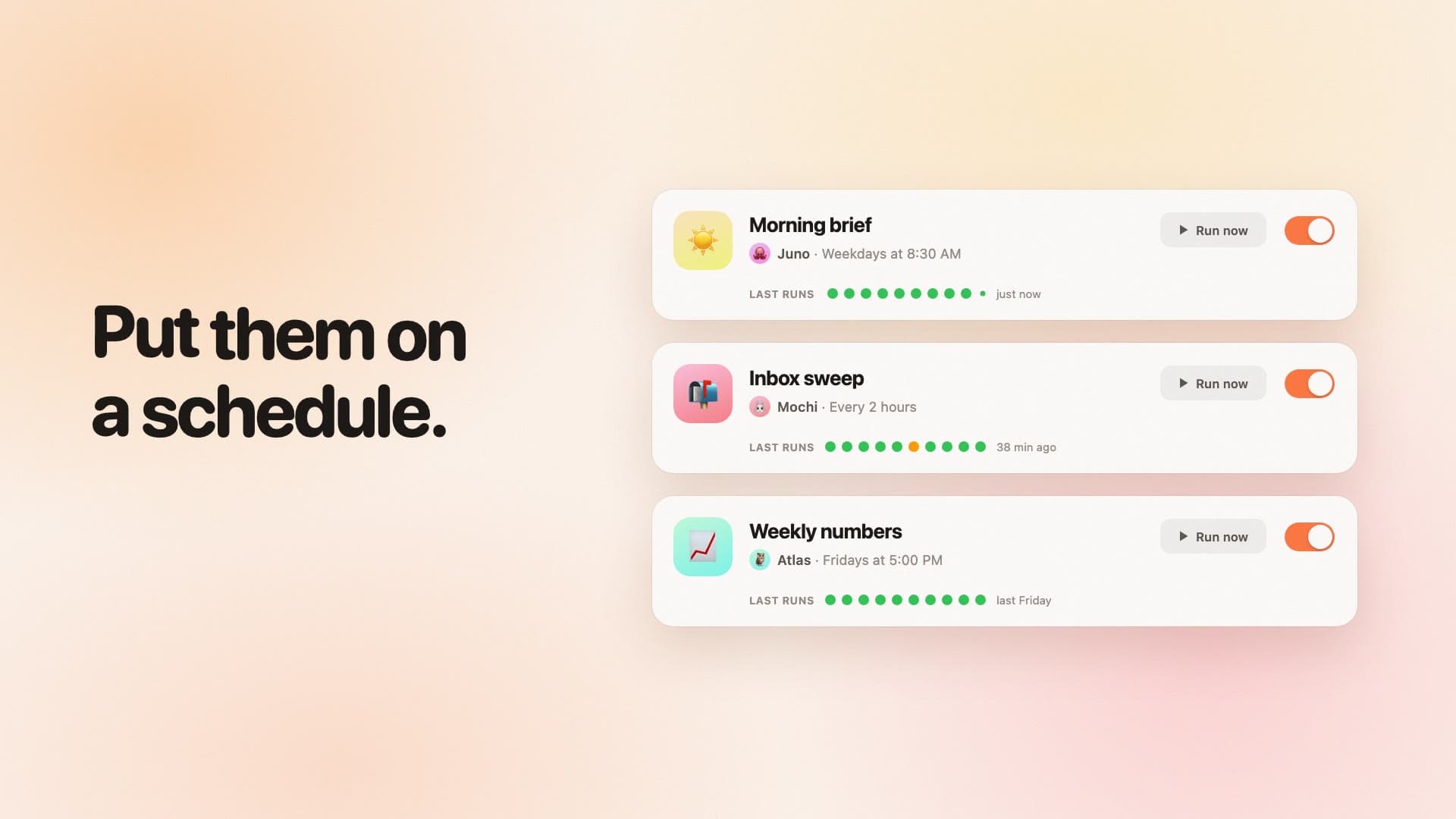
Routines that just run.
Morning digests, nightly dependency bumps, weekly numbers. Friendly schedules, run-now, and results that land in a thread.
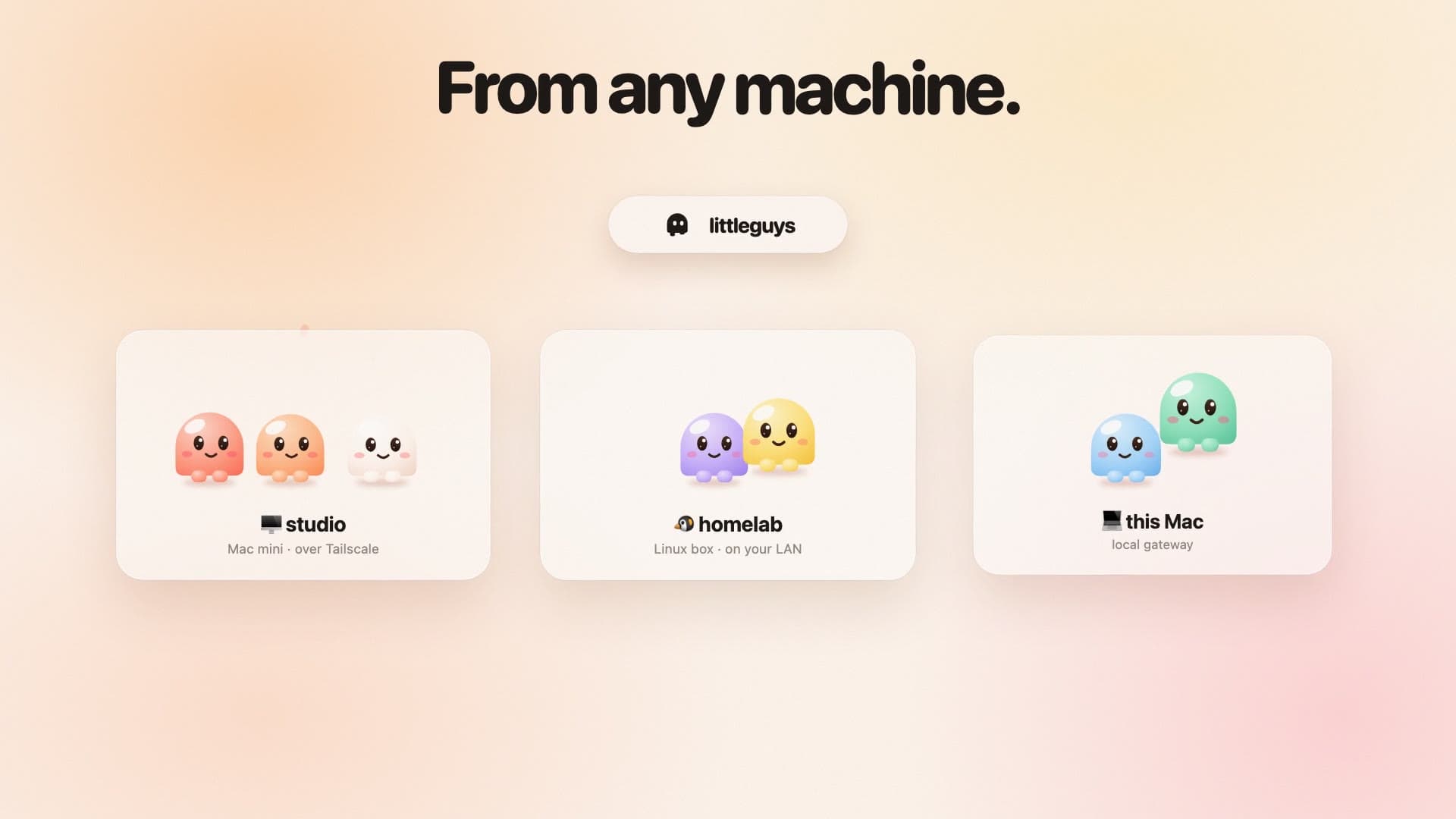
From any machine.
Guys on your Mac mini, your homelab and your laptop, all in one place. Finds gateways on your tailnet and LAN by itself.
Bring any guy.
littleguys speaks the Agent Client Protocol, so new agents are one click away from the ACP registry. It's a friendly face for the agents you already run, not a new place to run them.
Free. Open source.
Yours.
littleguys holds your gateway tokens and approves real commands on your machines. You should be able to read every line of it, so you can.
Read the code- 🔒 Talks straight to your agents. No littleguys account, no cloud.
- 📭 No analytics, no telemetry.
- 🦀 Rust core + React, built on Tauri.
Install it.
One app for Apple silicon and Intel, signed and notarized, for macOS 13 or later. Open the .dmg and drag littleguys into Applications.
or with Homebrew:
brew install herval/tap/littleguys
Then look for the guy in your menu bar. It keeps itself up to date, and every release is on GitHub.
Rather build it yourself?
This one-liner builds littleguys from source for this Mac and puts it in /Applications:
curl -fsSL https://www.littleguys.dev/install.sh | bash
It installs anything missing (the Xcode Command Line Tools, Rust, Node, pnpm) into ~/.littleguys, without sudo or touching your shell profile. The first build takes a few minutes; run it again to update. You can read install.sh before you run it.